


 Charaktere
Dark Wizard – Skills und Ausrüstungsübersicht
Finde reguläre Skills und ihre Anforderungen für Dark Wizard auf LigaMU PRO sowie ausgewählte Ausrüstungsbeispiele für deinen Fortschritt.

Finde MU Online (muonline) Anleitungen zu Klassen, Quests, Gegenständen, Events und Systemen. Stöbere im LigaMU PRO Wiki oder suche ein Thema.
Entdecke die LigaMU-PRO-Bibliothek für MU Online Season 21: Klassen, Ausrüstung, Quests, Bosse und die Spielsysteme für deinen nächsten Schritt in MuOnline.
Wähle ein MU-Online-Thema, erkunde die Guides und nutze die Details für deinen nächsten Schritt in MuOnline.
Folge den Anleitungen von LigaMU PRO zu Klassenwechseln und Quests. Prüfe Voraussetzungen, benötigte Items und die einzelnen Aufgaben.
Thema entdeckenPlane Bosskämpfe auf LigaMU PRO mit Informationen zu Eintritt, Kampfablauf, Respawnregeln, Missionszielen und Belohnungspools.
Thema entdeckenEntdecke die Klassen von LigaMU PRO, ihre Skills, Anforderungen und beispielhafte Ausrüstung für deinen Charakterfortschritt.
Thema entdeckenBereite dich auf die Events von LigaMU PRO vor: Eintritt, Zeitpläne, Ziele, Kampfregeln und die jeweiligen Belohnungen im Überblick.
Thema entdeckenVergleiche Waffen, Rüstungen, Zubehör und Materialien von LigaMU PRO anhand ihrer Basiswerte, Nutzungsanforderungen und Klassenfreigaben.
Thema entdeckenPlane deine Reisen und Jagd auf LigaMU PRO mit Kartenregeln, Zugangsvoraussetzungen, Monsterwerten und beispielhaften Spawnkoordinaten.
Thema entdeckenLerne die Spielsysteme von LigaMU PRO kennen: Erfahrung, Resets, Handel, Währungen, Begleiter und Ausrüstungsverbesserungen.
Thema entdeckenEine Auswahl aus der MU-Online-Bibliothek von LigaMU — Details, wann immer du sie brauchst.
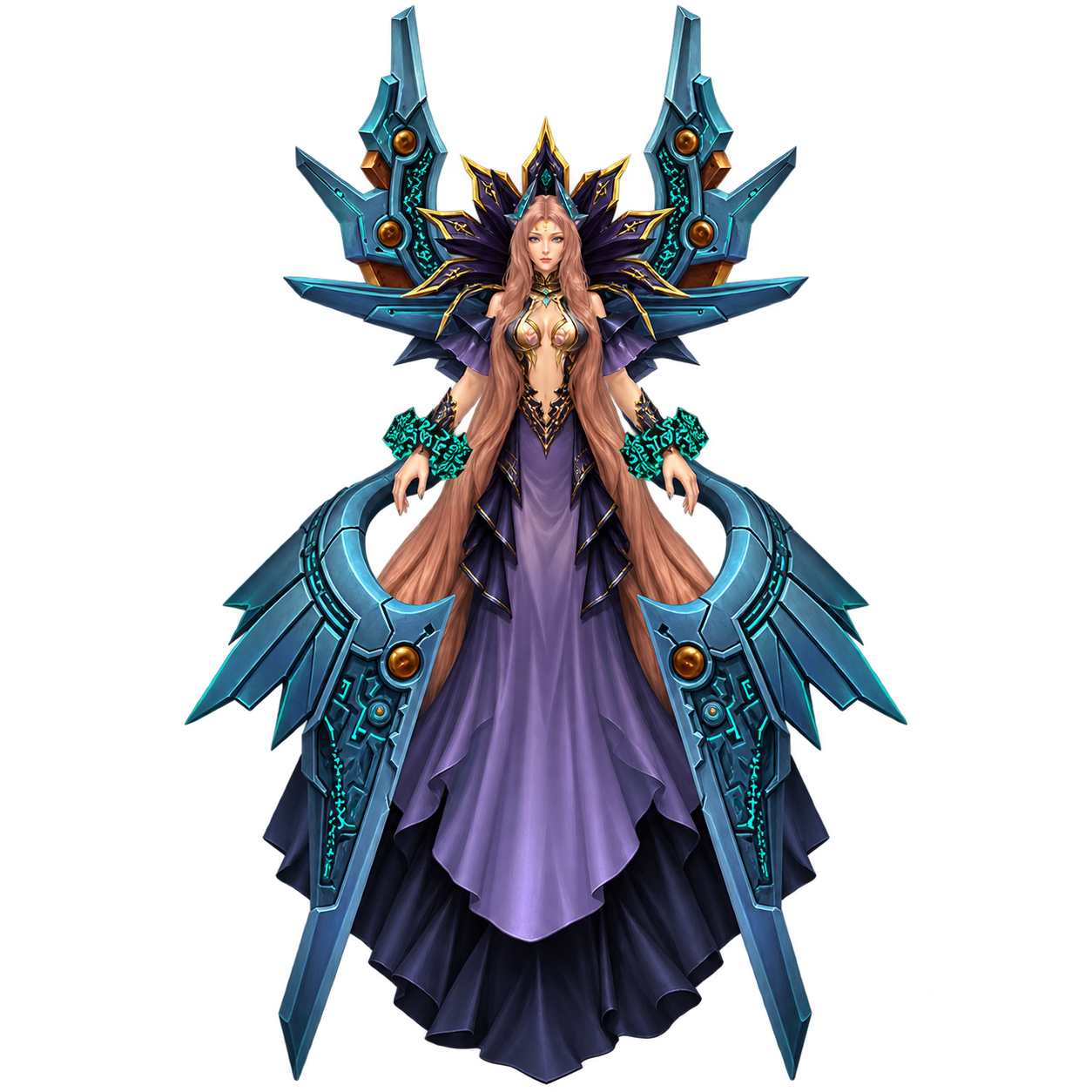
CharaktereFinde reguläre Skills und ihre Anforderungen für Dark Wizard auf LigaMU PRO sowie ausgewählte Ausrüstungsbeispiele für deinen Fortschritt.
 Charaktere
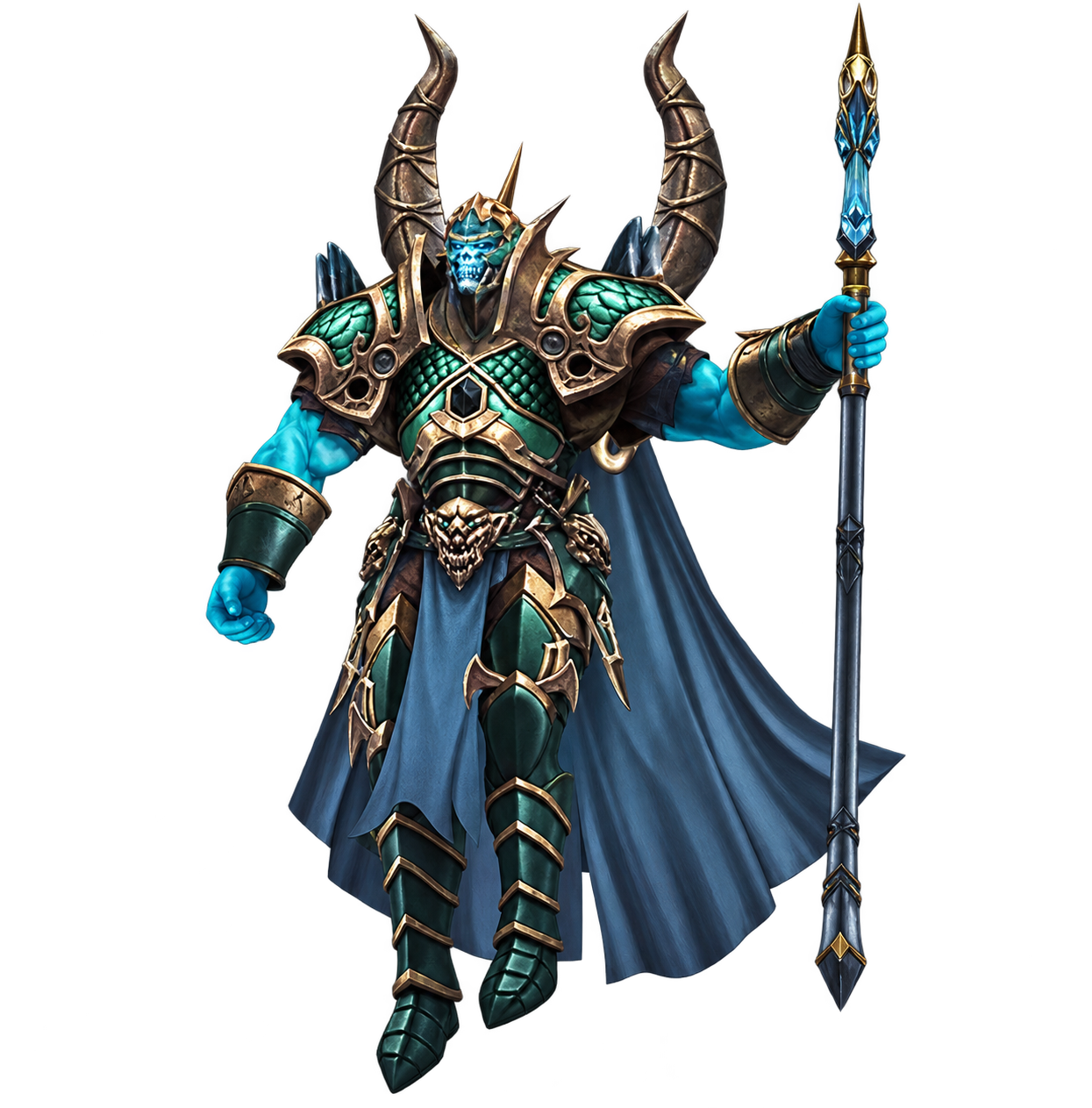
Plane deinen Dark Knight auf LigaMU PRO mit regulären Skillanforderungen, Klassenzugang und ausgewählten Beispielen für die Ausrüstung.
 Charaktere
Prüfe reguläre Skills und ihre Anforderungen für Fairy Elf auf LigaMU PRO. Ausgewählte Ausrüstungsbeispiele helfen dir bei der Planung.
 Charaktere
Plane deinen Magic Gladiator auf LigaMU PRO mit regulären Skillanforderungen, Klassenzugang und beispielhaften Ausrüstungsstufen.
Kürzlich aktualisierte MuOnline-Guides.
Redaktionelle Antworten auf häufige Fragen zu LigaMU.
Entdecke MU-Guides, vergleiche die Servereinstellungen oder kontaktiere die Administration von LigaMU PRO.

Um LIGAMU PRO MU Killer zu werden, musst du die höchste Anzahl an Kills erreichen. Gezählt werden Custom Events, Ingame-Events, Duelle und normale Kills.
Um LIGAMU PRO MU Killer zu werden, musst du die höchste Anzahl an Kills erreichen. Gezählt werden Custom Events, Ingame-Events, Duelle und normale Kills.
Täglich aktualisiert
Um die Legend-Position zu halten, musst du die höchste Gesamtzahl an Levels besitzen (Level + Master Level).
Um die Legendary-Position zu halten, musst du die höchste Gesamtzahl an Levels besitzen (Level + Master Level).
Täglich aktualisiert
Dieser Charakter hat die meisten gesammelten ONLINE-Spielstunden.
Dieser Charakter hat die höchste gesammelte ONLINE-Spielzeit.
Täglich aktualisiert
Das LIGAMU PRO Ranking-System basiert auf einer mathematischen Kombination aus verschiedenen Events, Kills und weiteren persönlichen Serverwerten.
Das LIGAMU PRO Ranking wird aus mehreren Event-Punktzahlen, Kills und weiteren Fortschrittsfaktoren des Servers berechnet.
Wöchentlich aktualisiert
Der Charakter, der die meisten PK-Spieler (Murderer) eliminiert hat – denn neben den Guards soll sich auch jemand um die Killer kümmern.
Der Charakter, der die meisten PK-Spieler (Murderer) eliminiert hat. Damit wird aktives Anti-PK-Gameplay belohnt.
Wöchentlich aktualisiert
Der Charakter mit den meisten gewonnenen Duellen. Es zählen nur Duelle zwischen unterschiedlichen IPs/HardwareIDs, um Eigenfarming zu verhindern.
Der Charakter mit den meisten Duellsiegen. Zur Vermeidung von Missbrauch zählen nur Duelle zwischen unterschiedlichen IPs/HardwareIDs.
Wöchentlich aktualisiert